

How to create a Repair Appointment in Invent ERP?
How to create a Repair Appointment in Invent ERP?
Creating a repair appointment in Invent ERP lets you log vehicles and jobs precisely, so nothing is missed. The appointment captures all necessary information to organize and execute the work, serving as the foundation of your garage management. Its main aim is to streamline operations, improve shop organization, and boost customer experience.
Step-by-Step Process
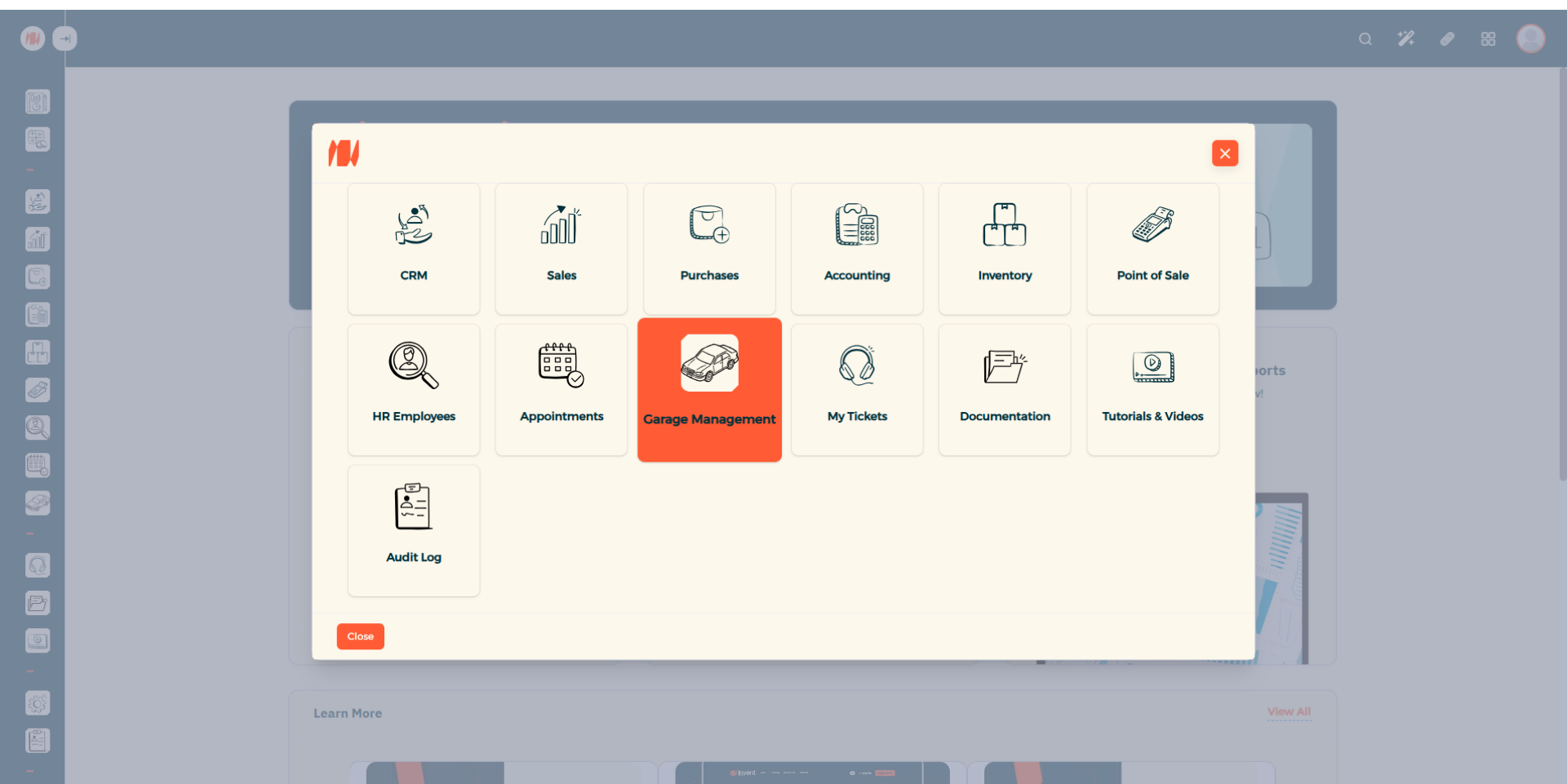
Step 1: Navigate to Garage Management
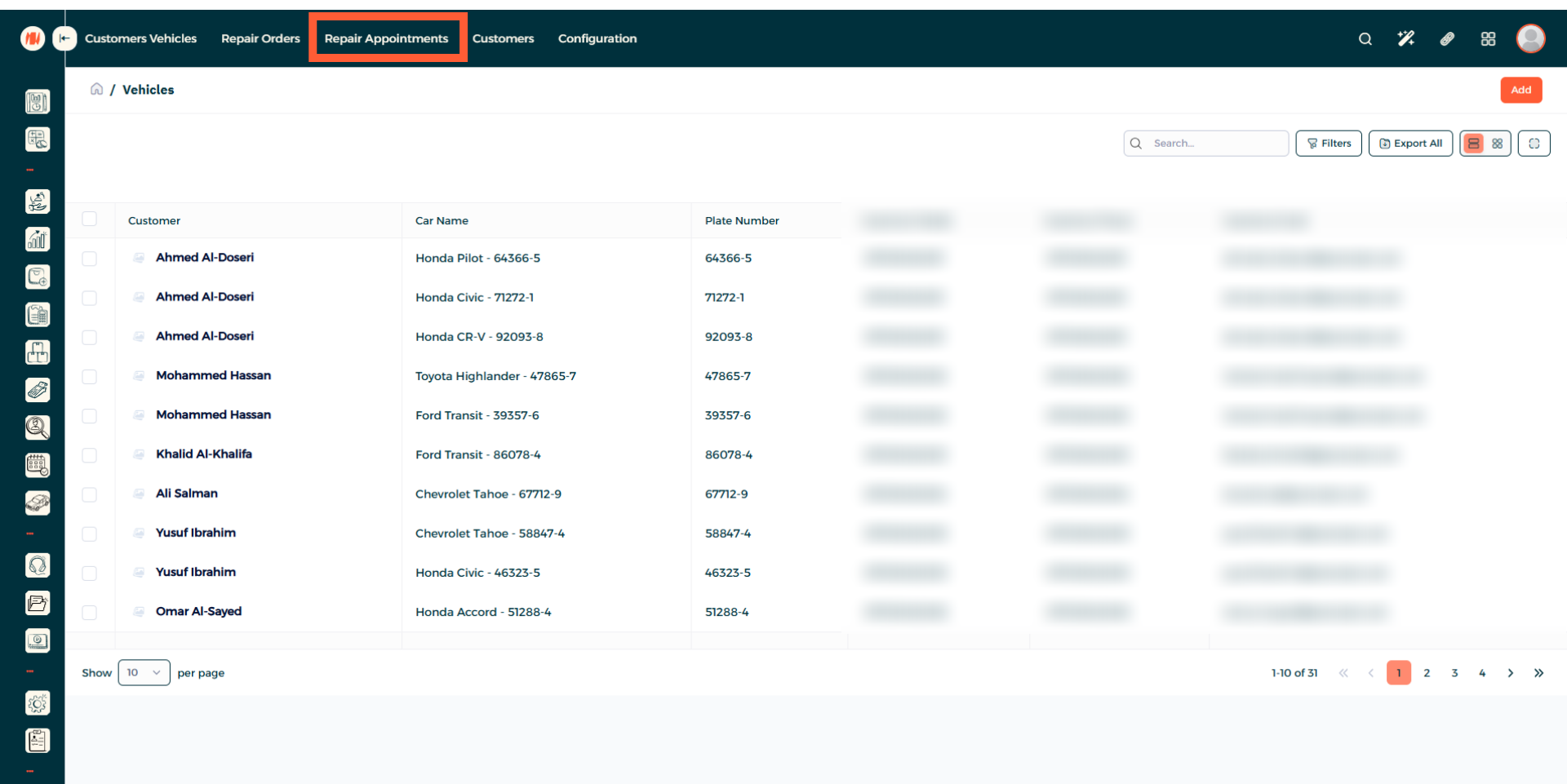
Step 2: Navigate to Repair Appointments
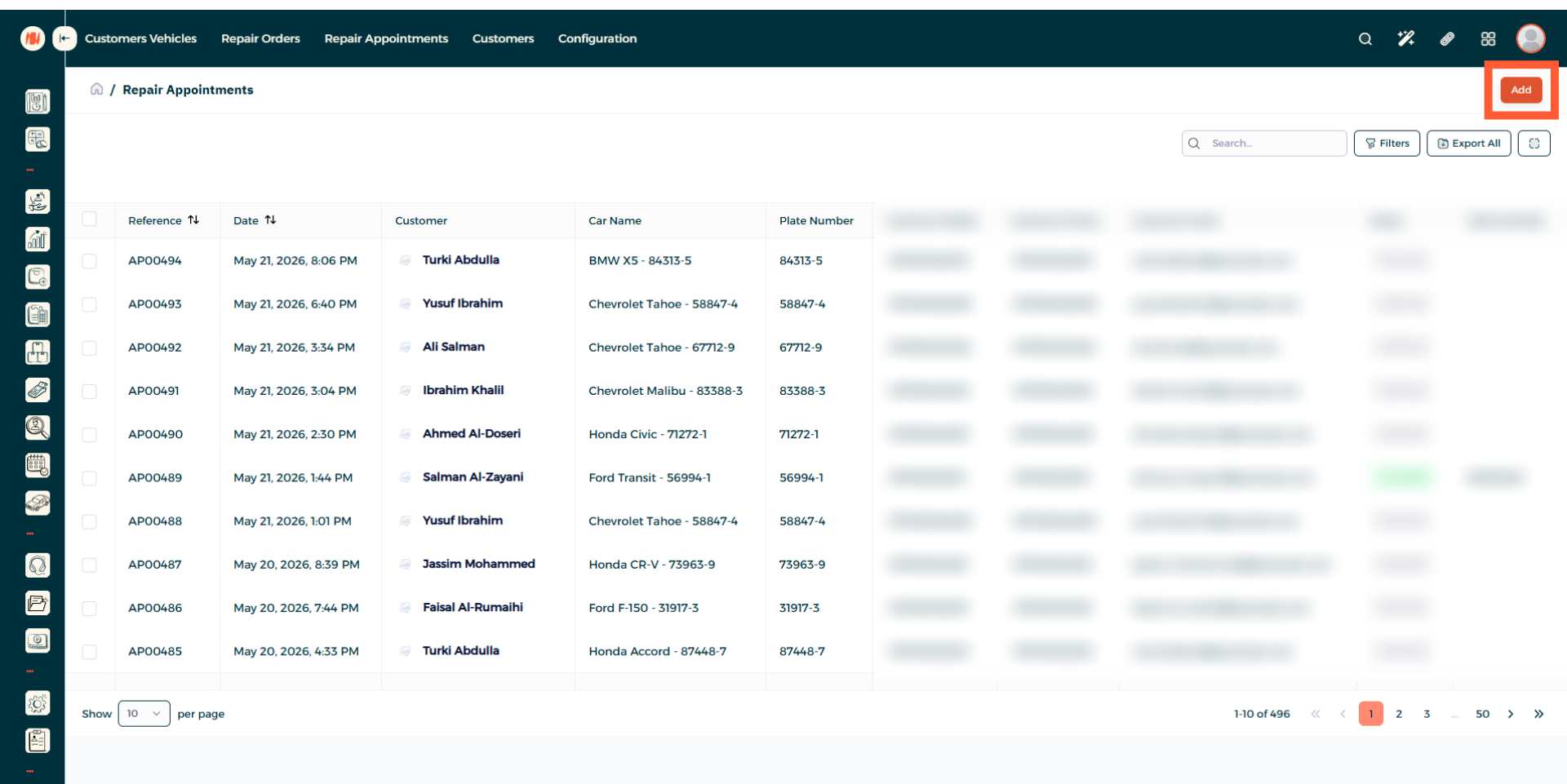
Step 3: Add a Repair Appointment
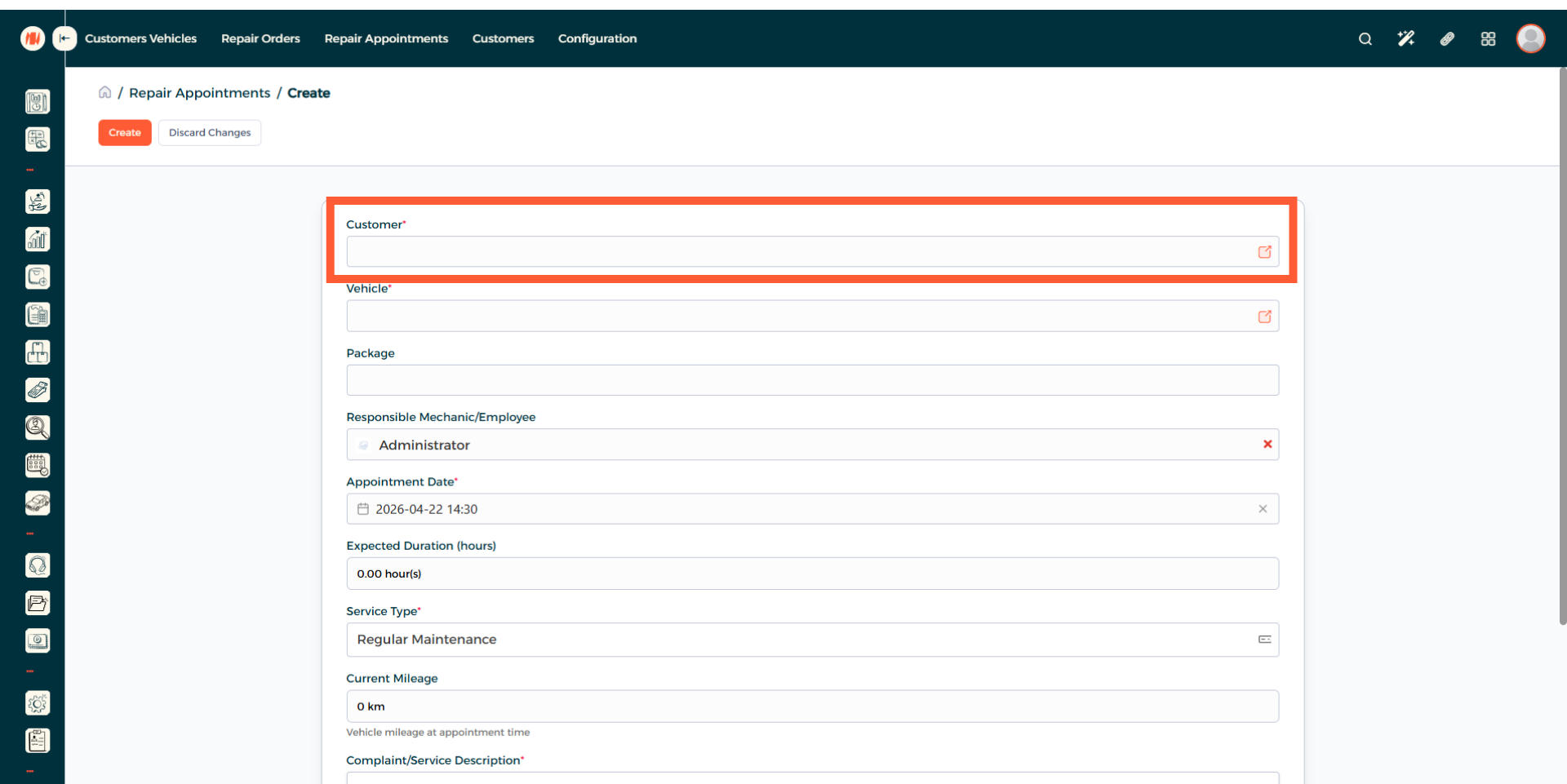
Step 4: Select a Customer
Select an existing customer, you can create a new one if needed.
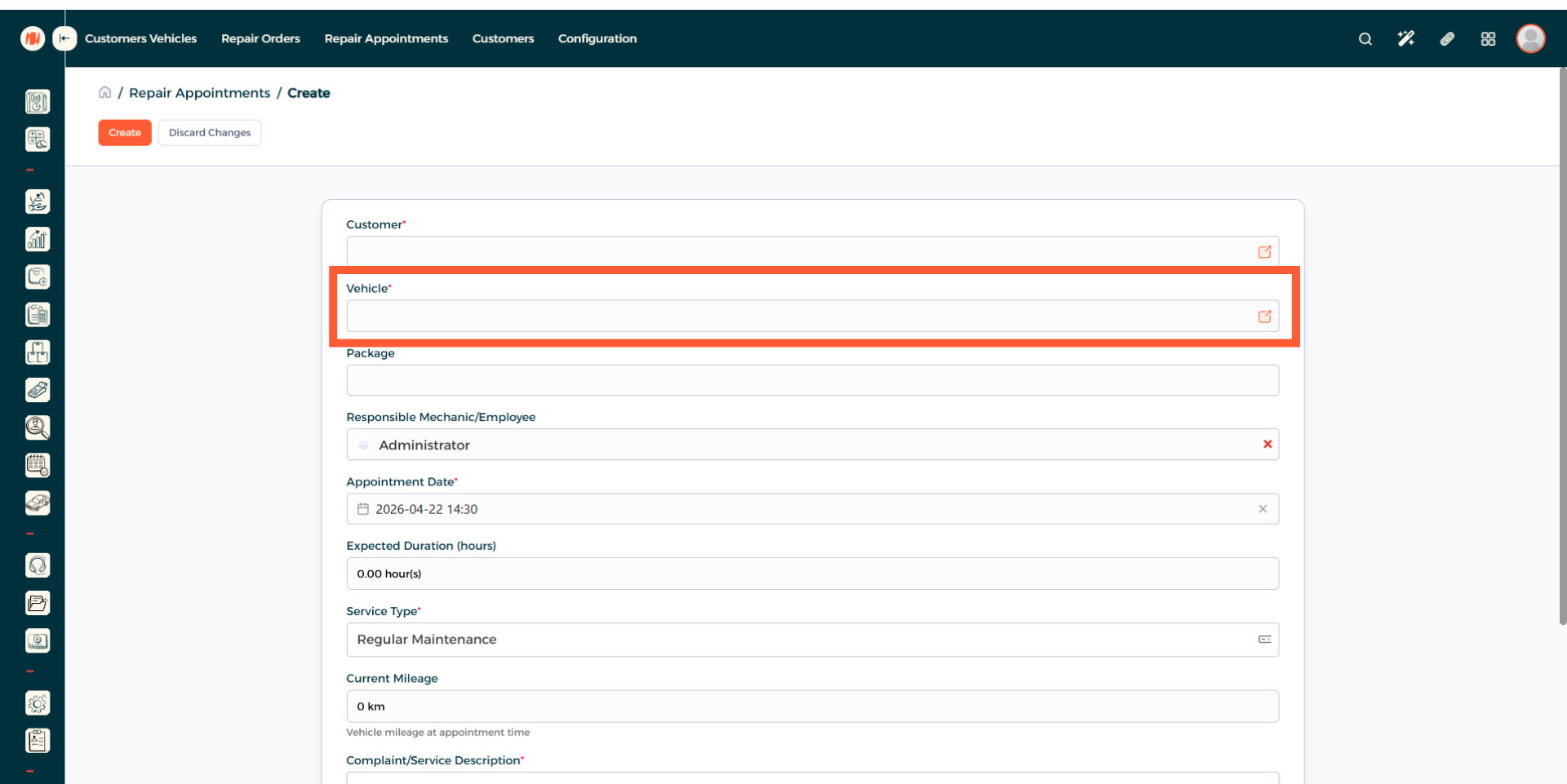
Step 5: Add a Vehicle
When you added your existing customer, the vehicle registered to them will appear automatically. If they have more than one, then select the preferred vehicle.
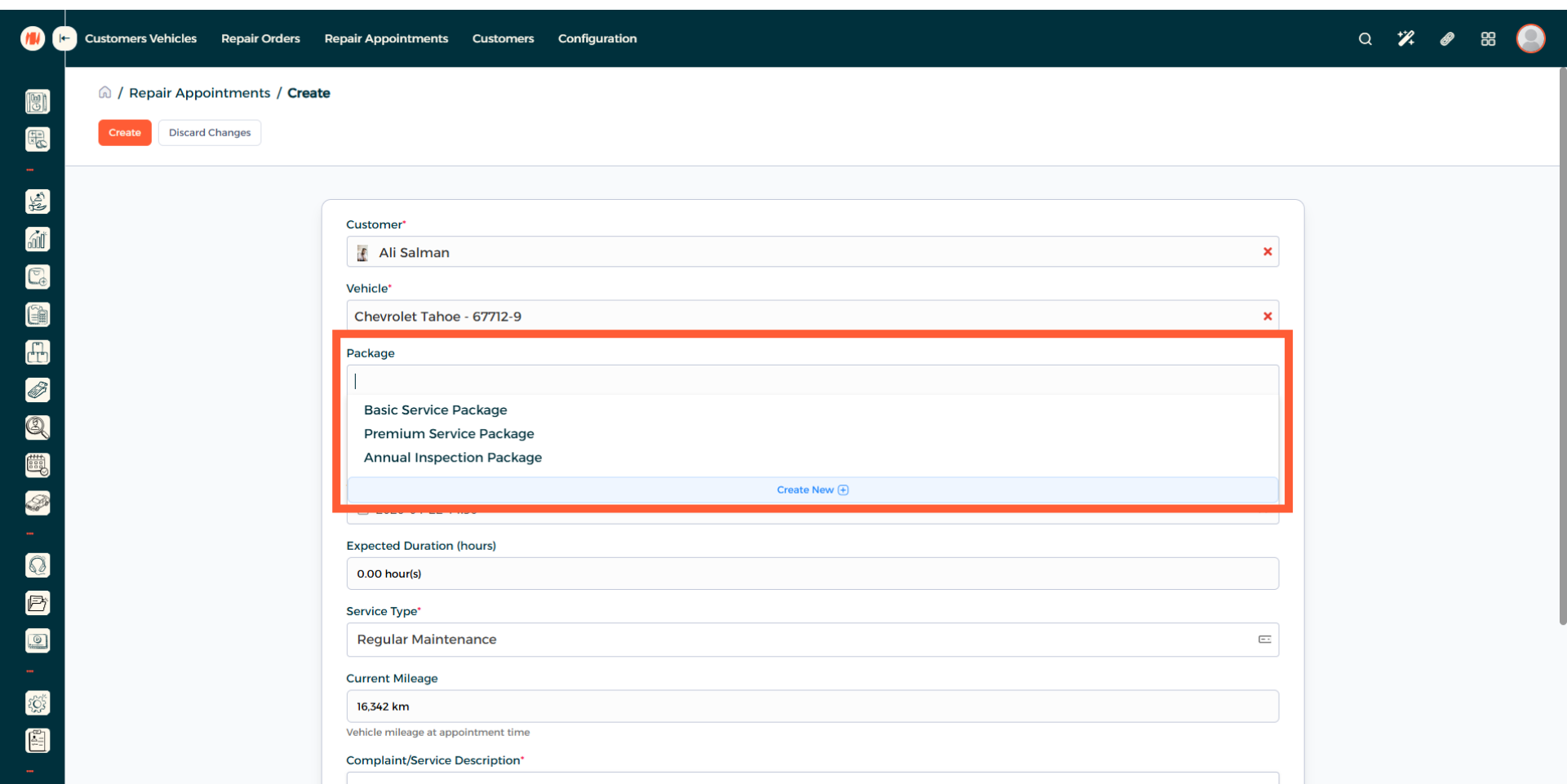
Step 6: Add a Package
You can add an existing package or create a new one.
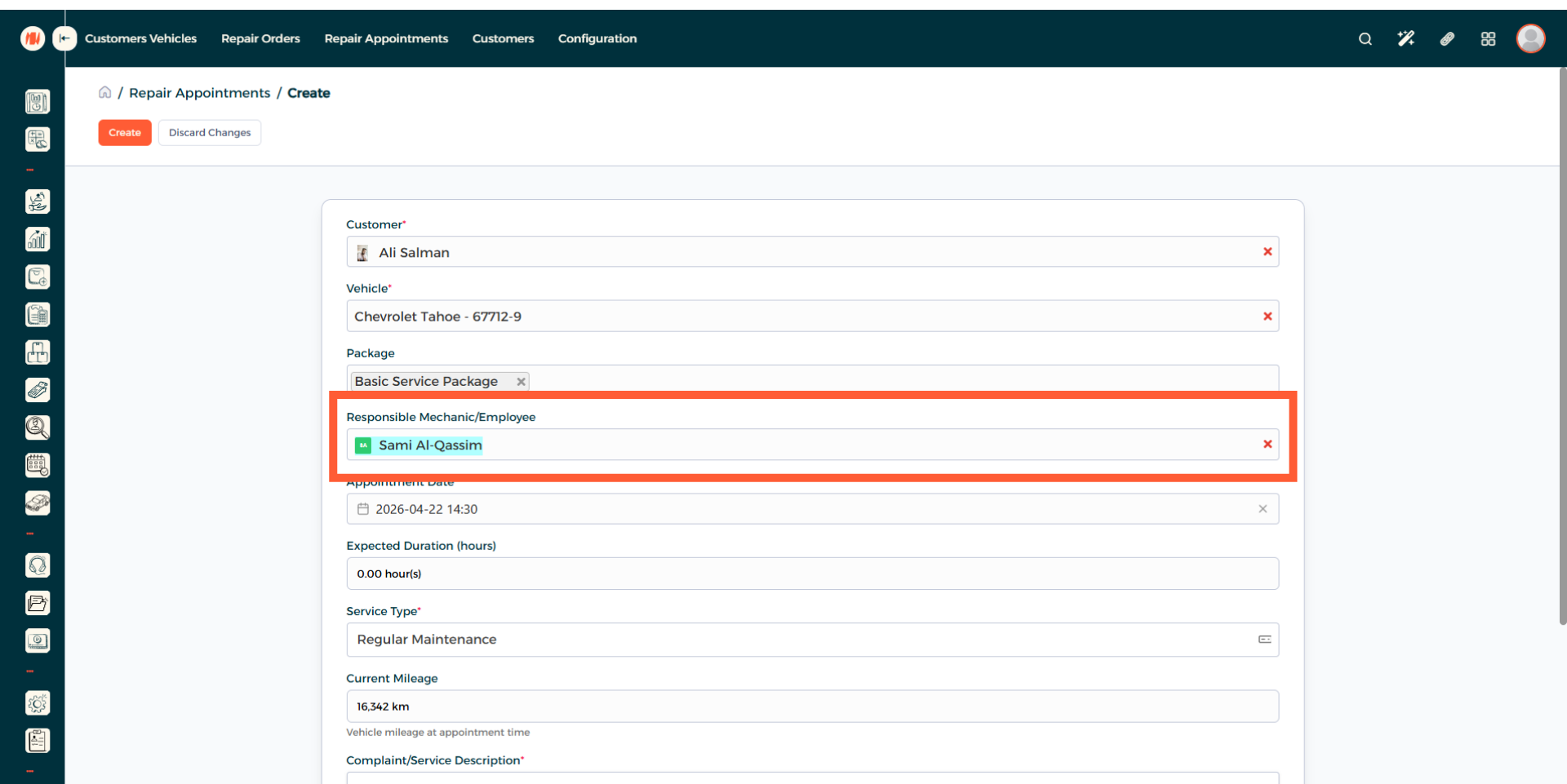
Step 7: Select Employee
Specify which mechanic or employee will be in charge of the job.
Step 8: Choose Repair Appointment Date and Time
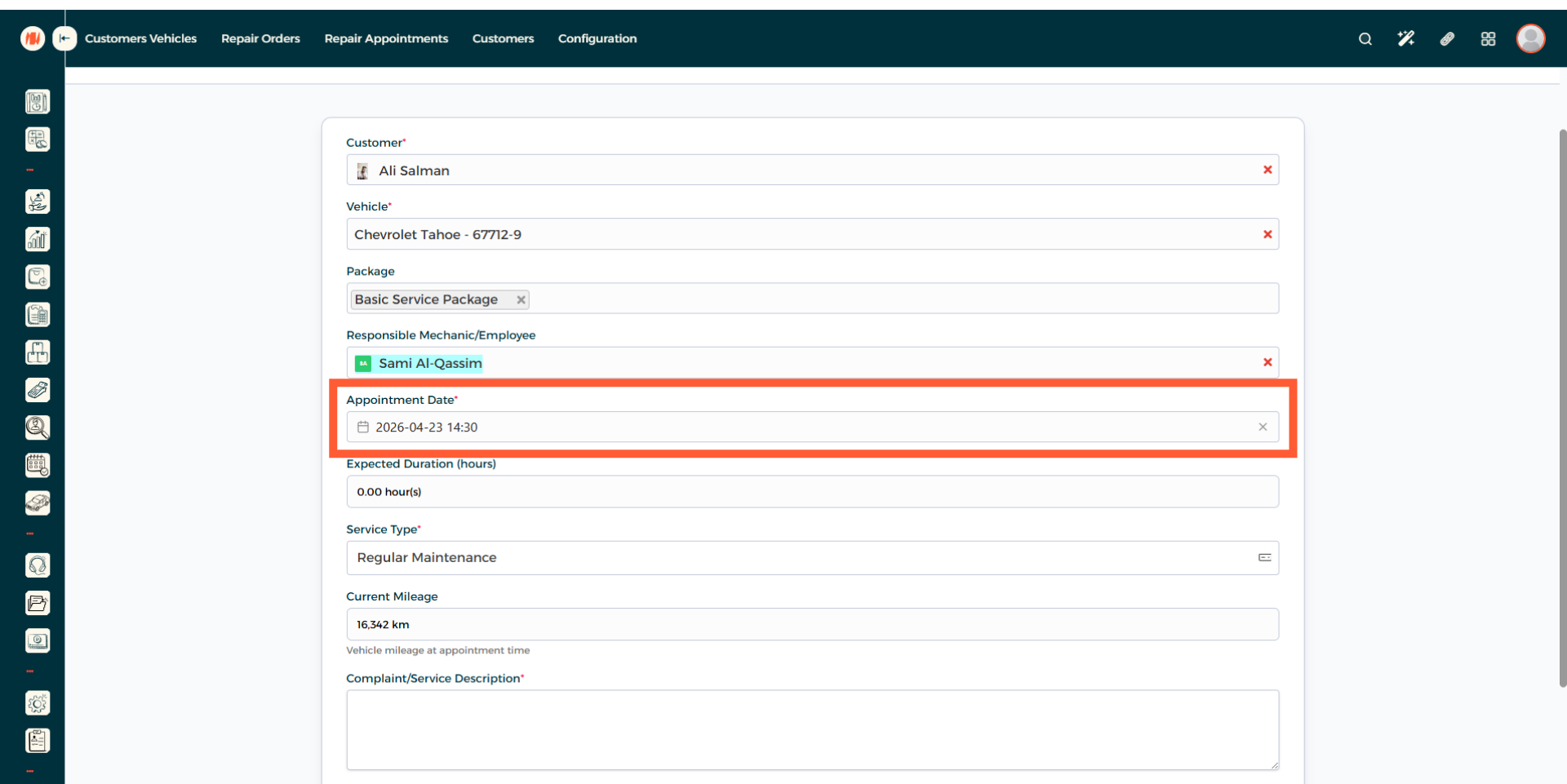
Step 9: Specify Expected Duration (Hours)
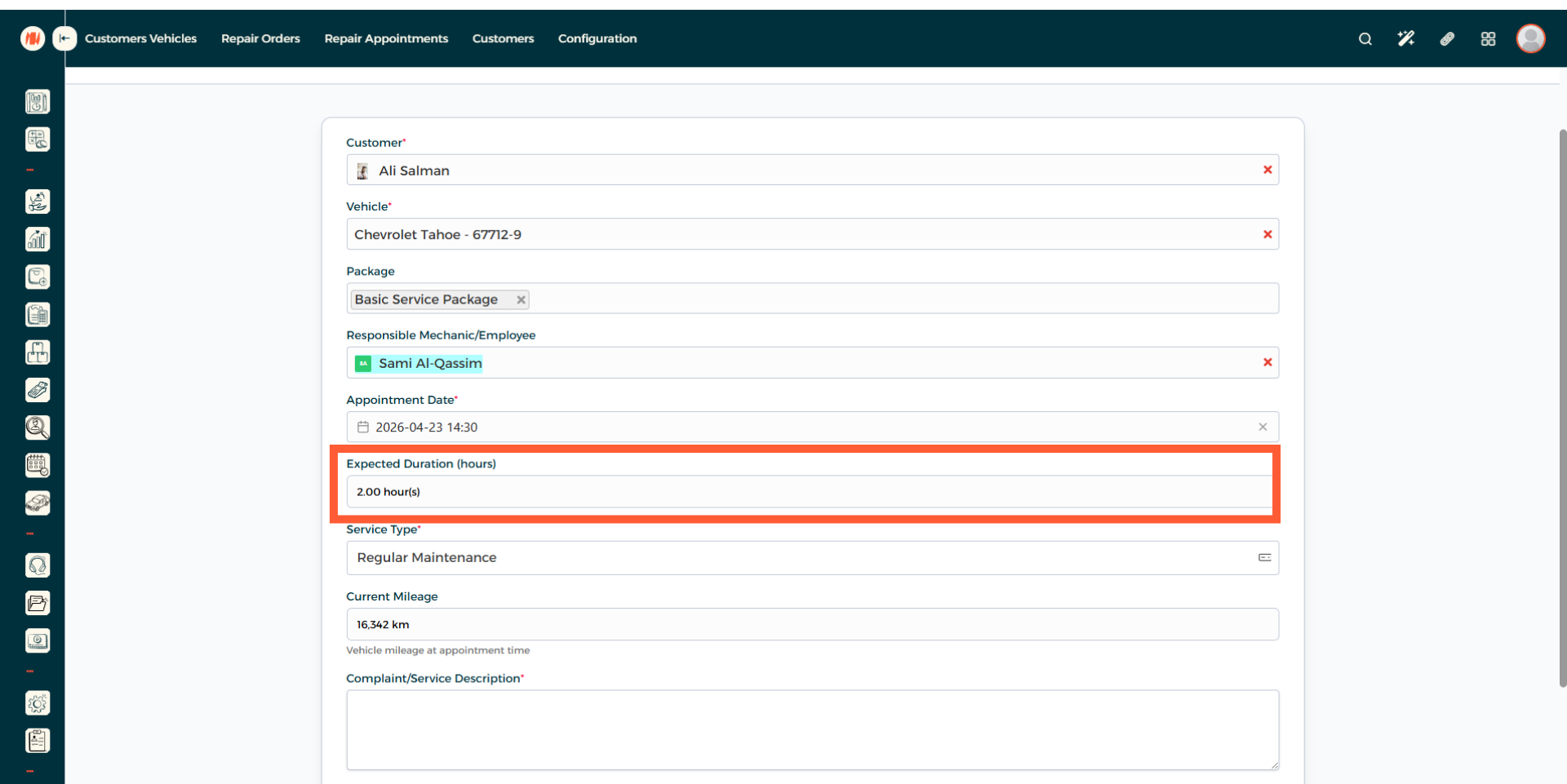
Step 10: Select Service Type
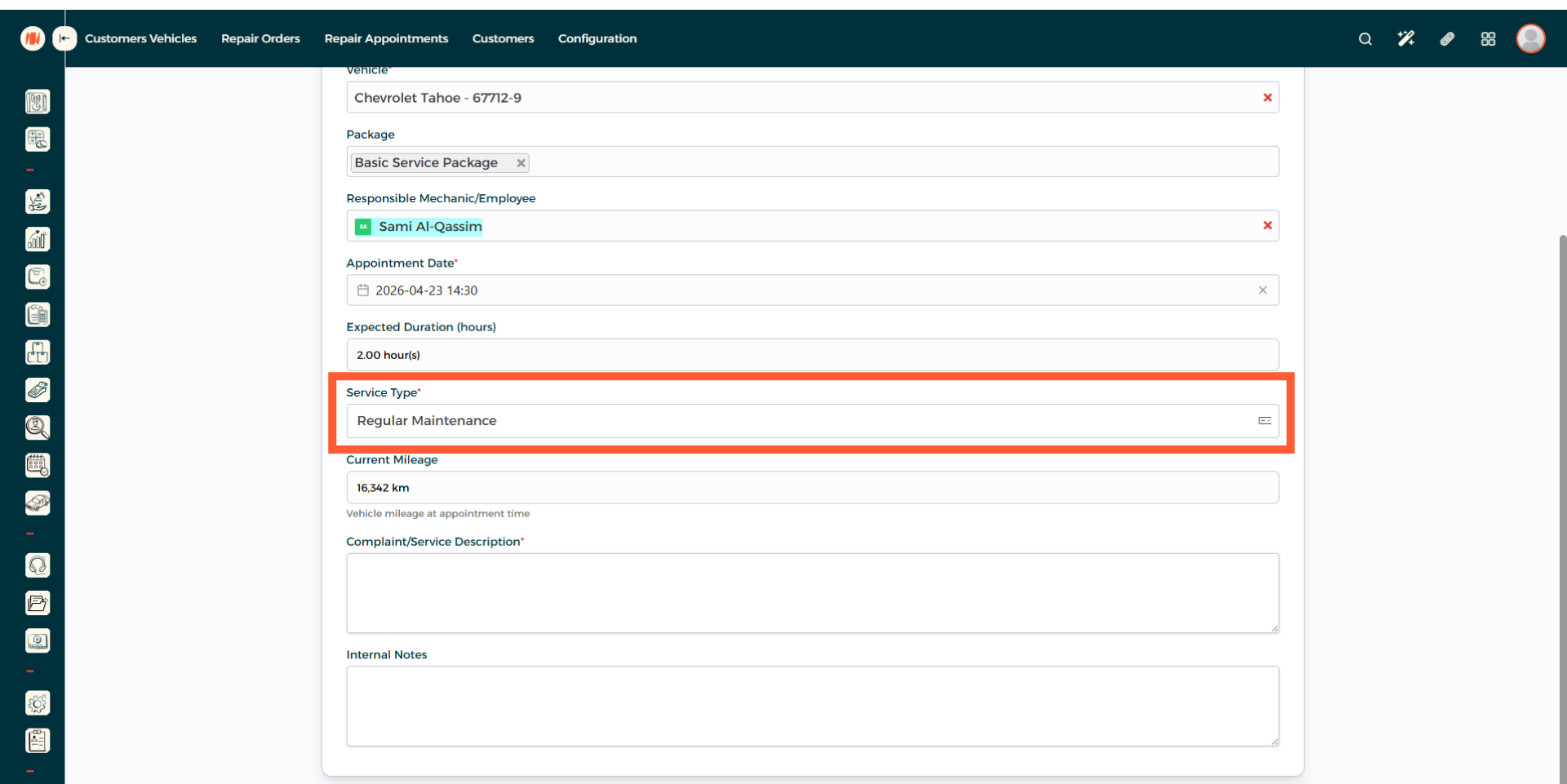
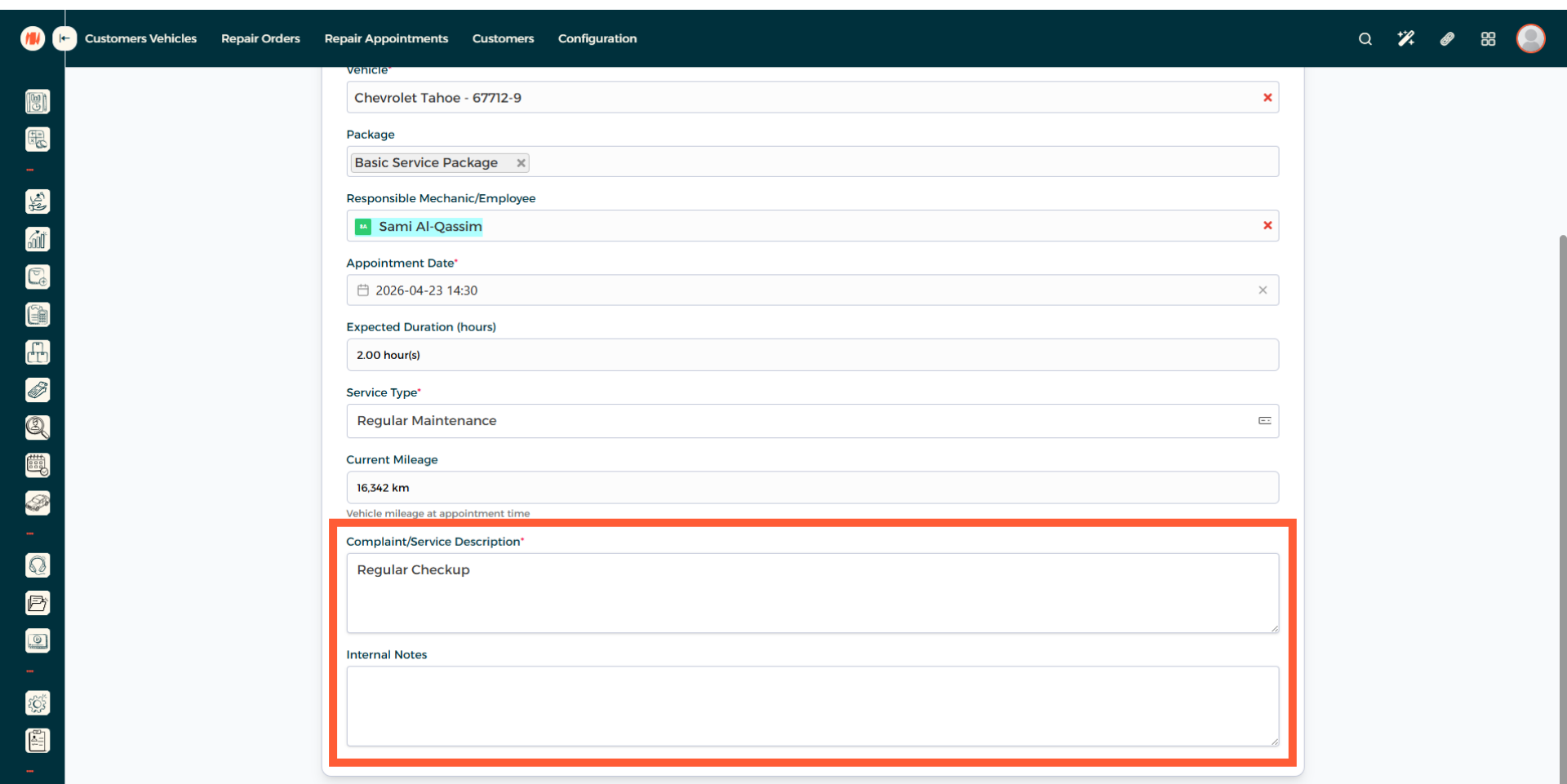
Step 11: Final Details
Add any customer complaints or a service description, alongside any internal notes.
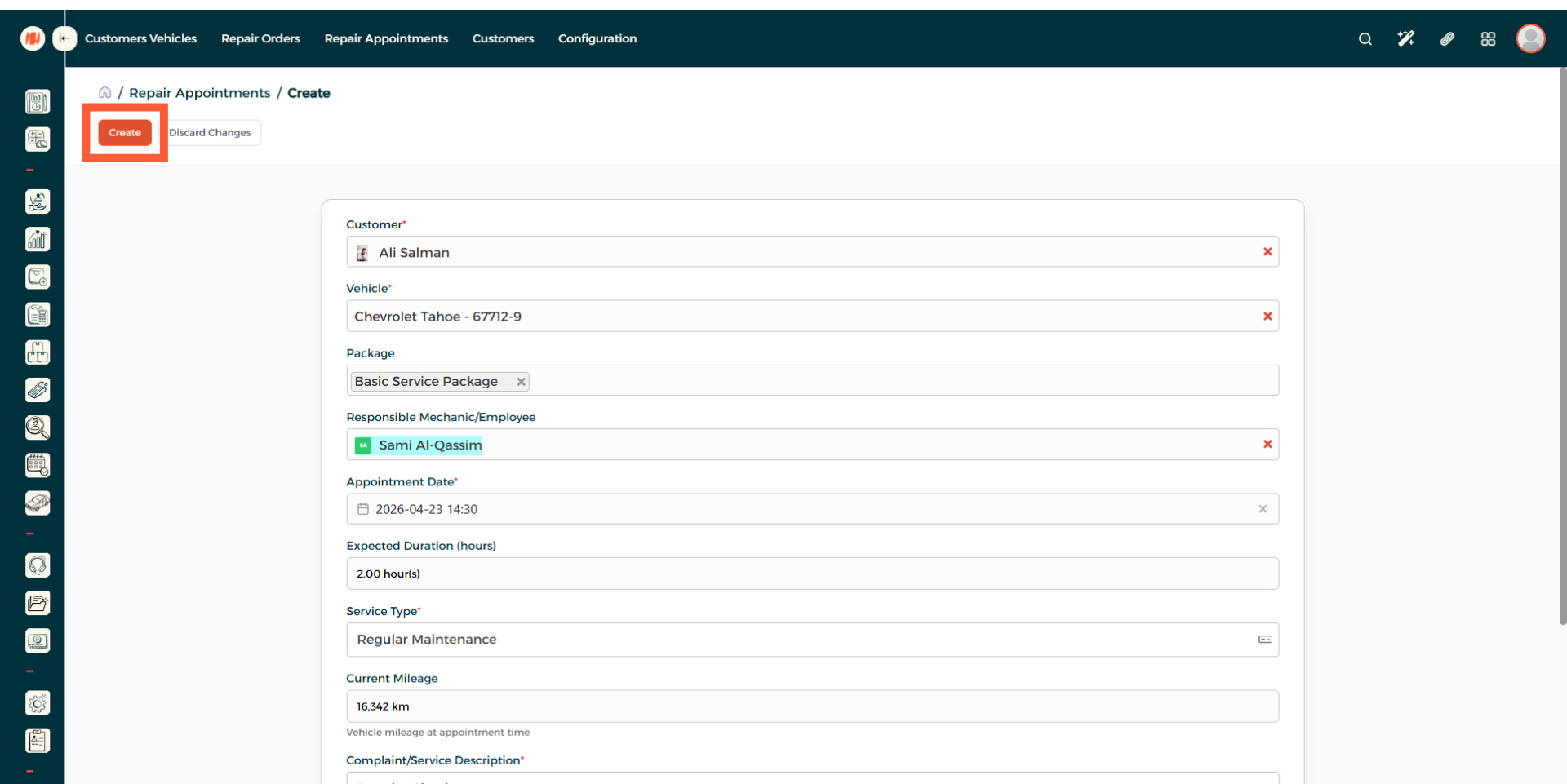
Step 12: Create Repair Appointment
Step 13: Schedule Repair Appointment
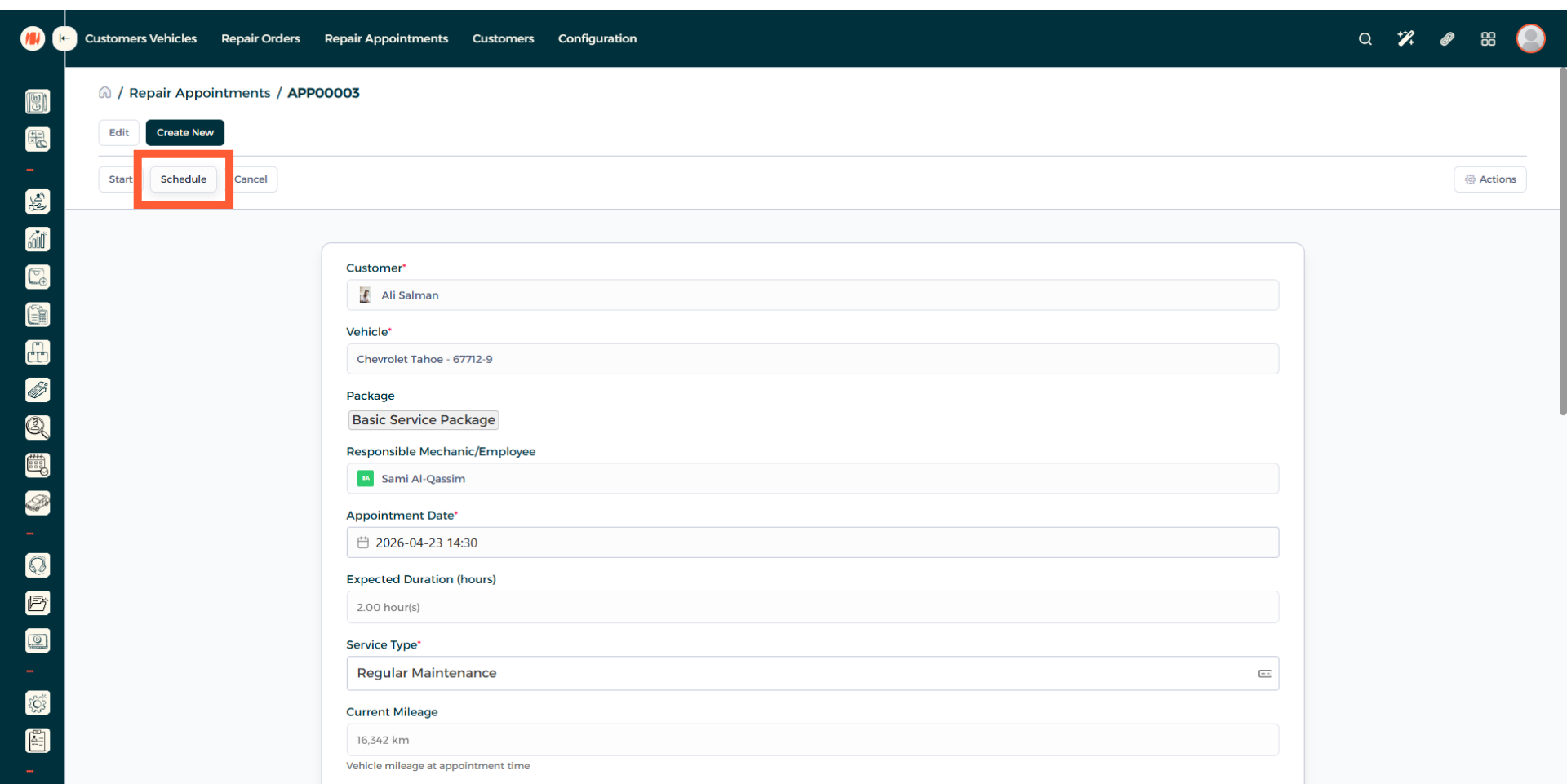
Step 14: Confirm Repair Appointment
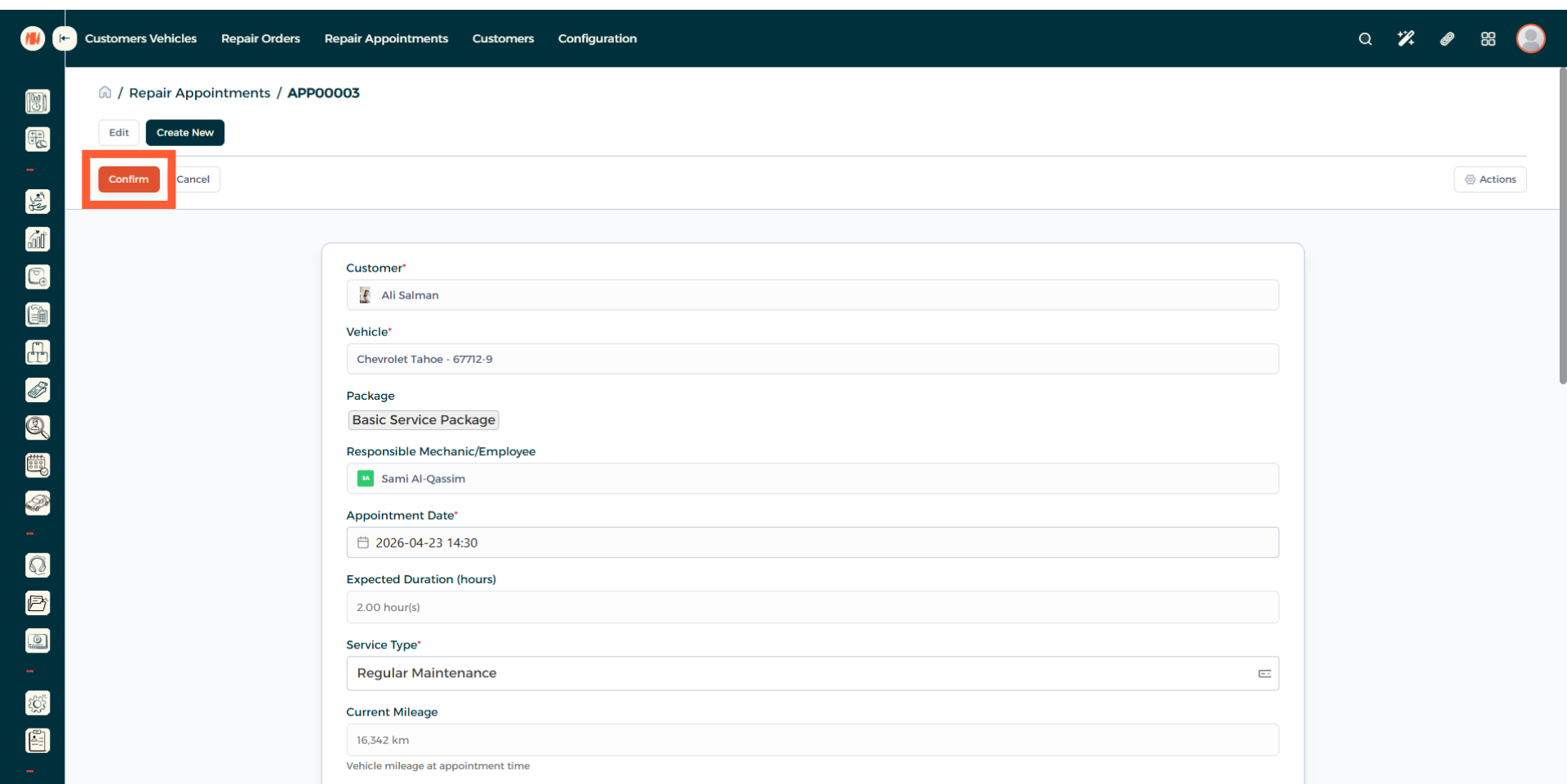
Step 15: Start Repair Appointment
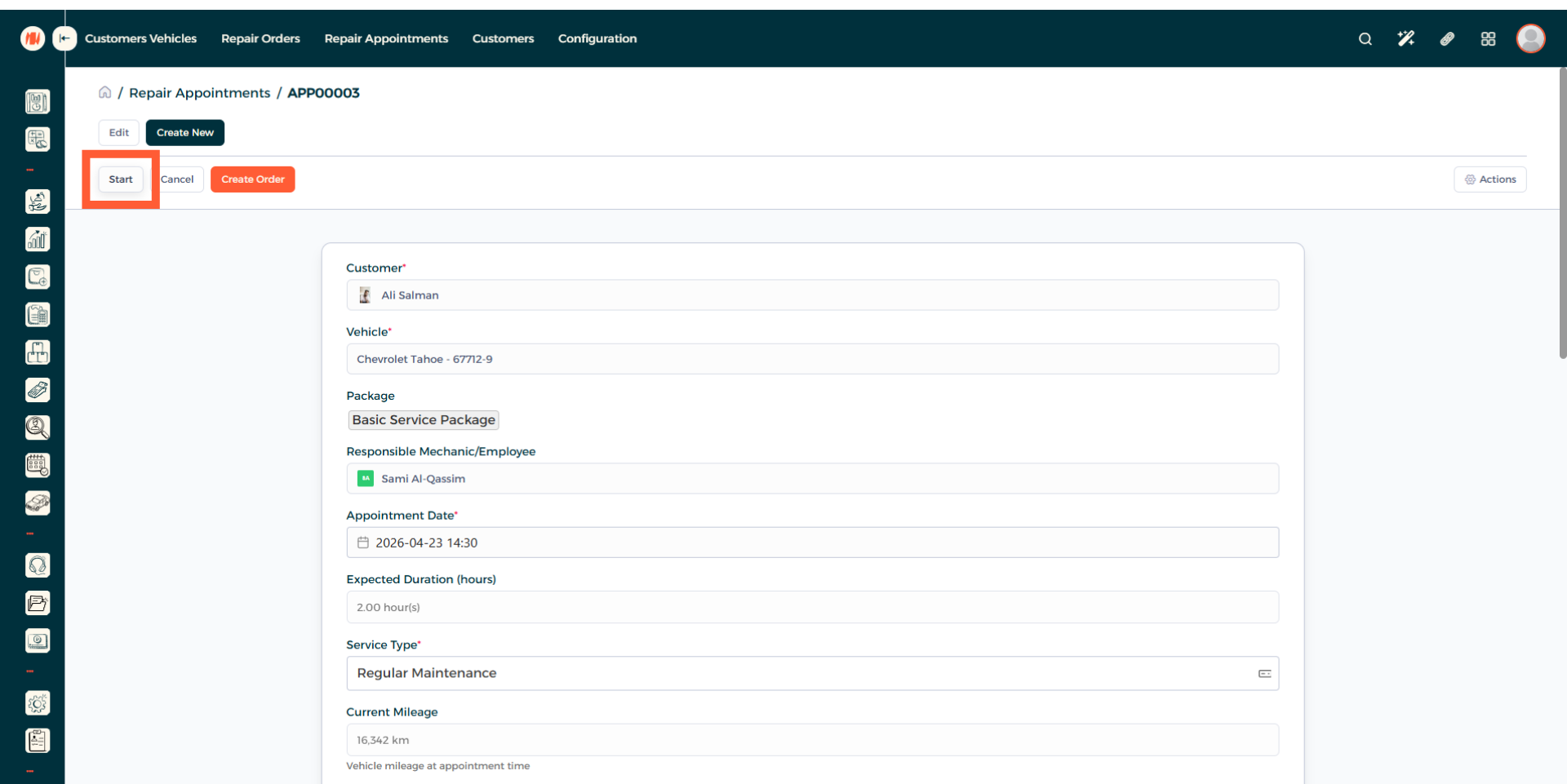
Step 16: Complete Repair Appointment
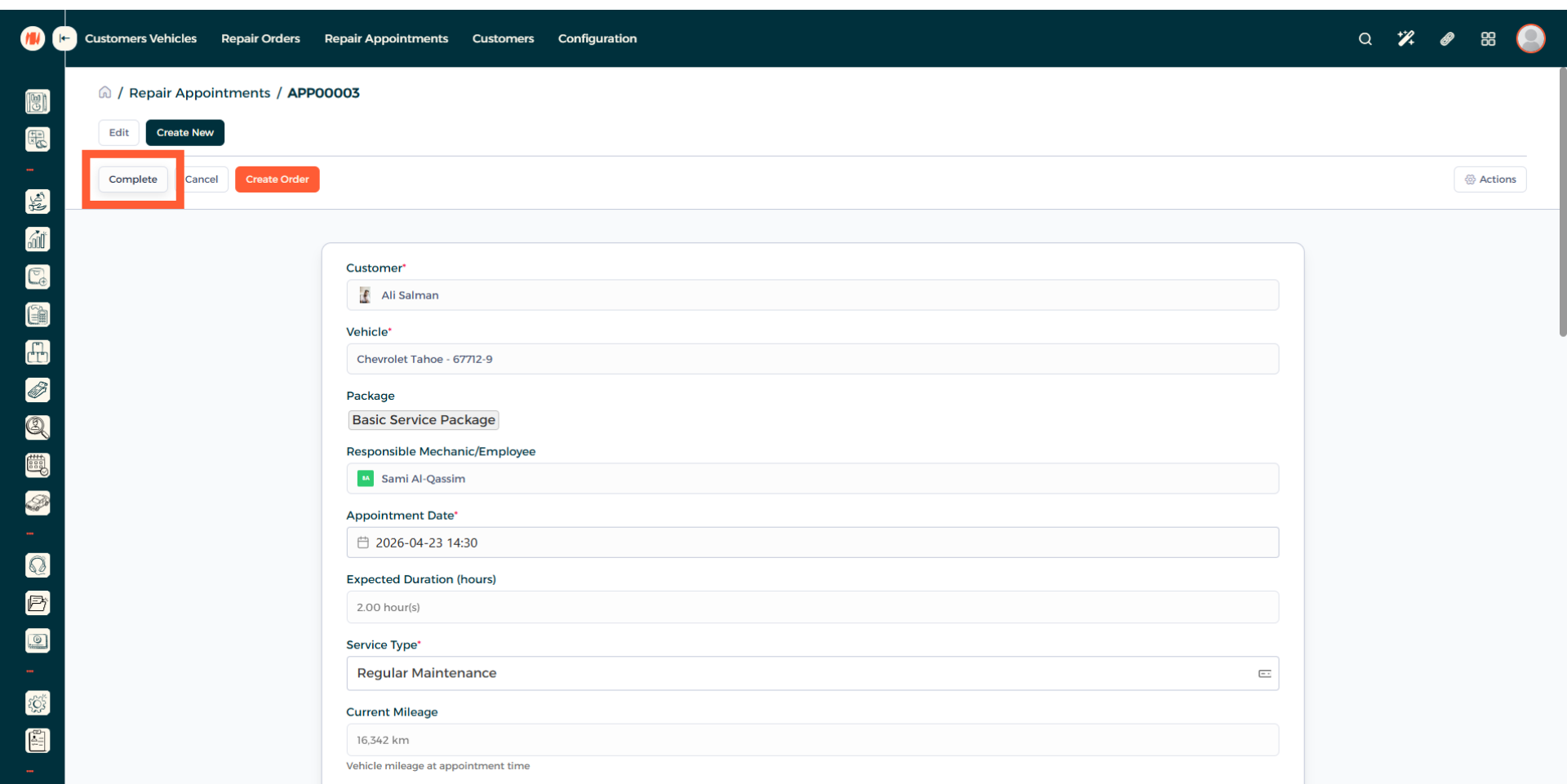
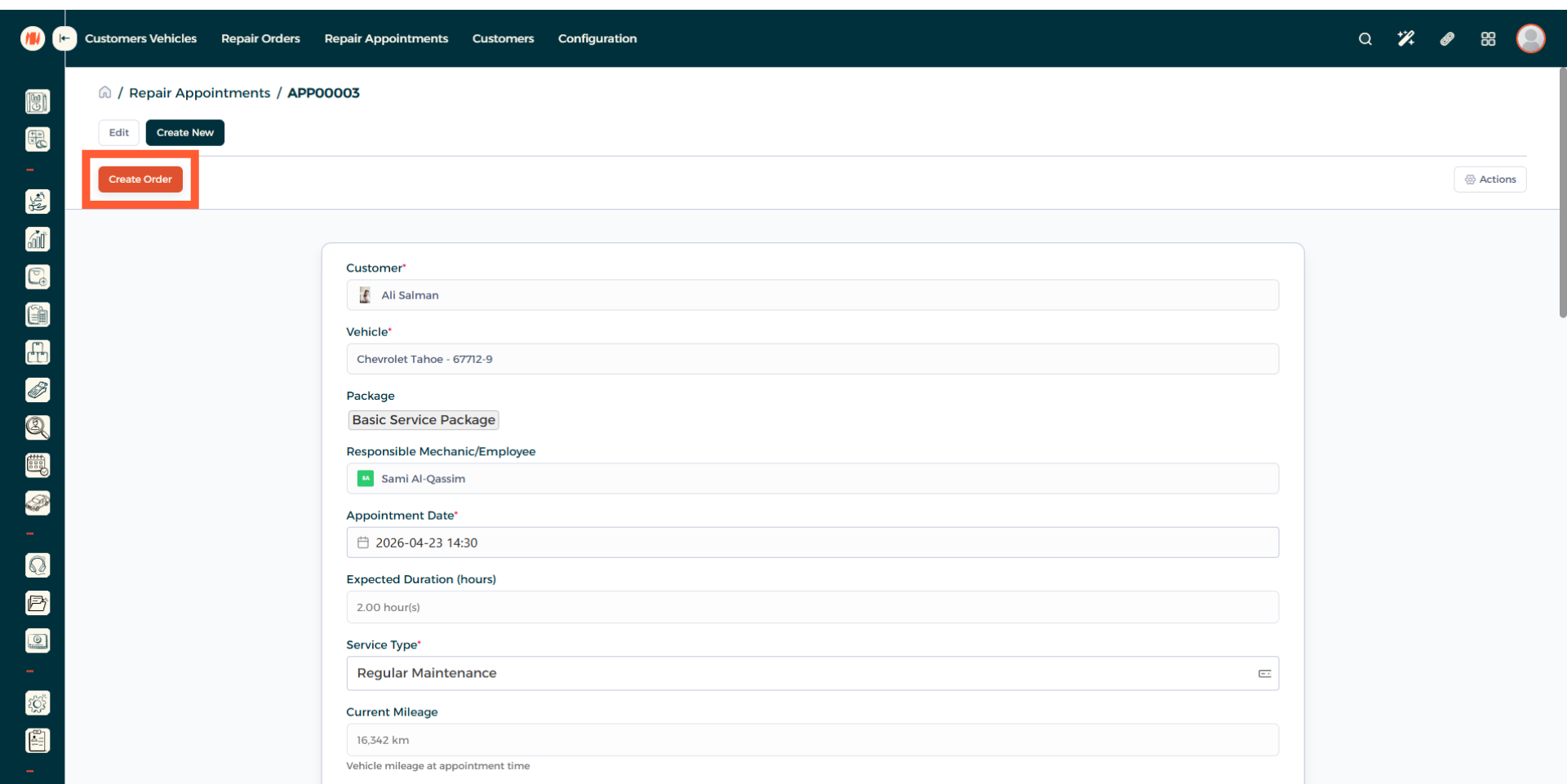
Step 17: Create Repair Order
Now after the repair appointment is complete, turn it to a repair order to finalize everything.
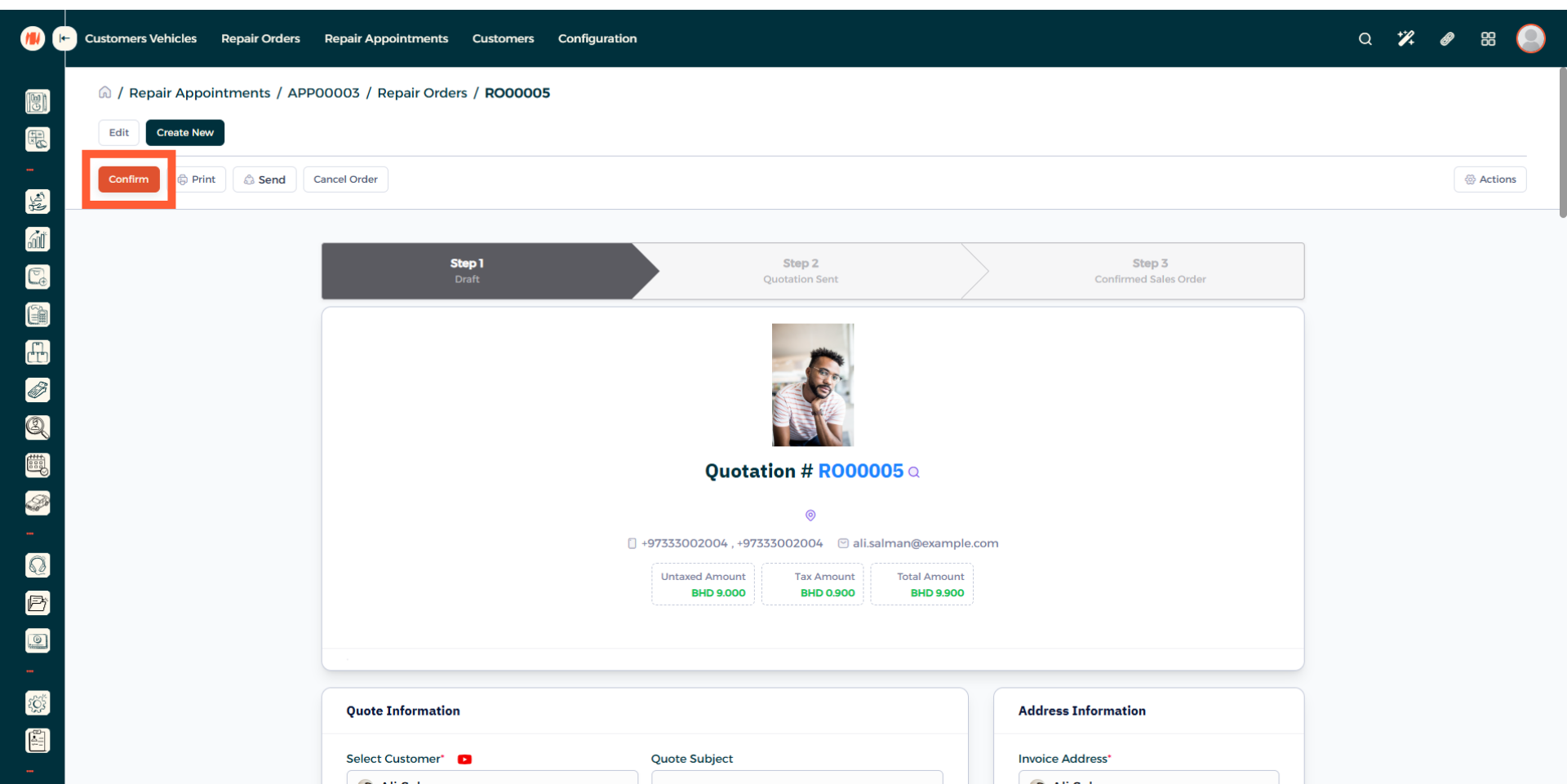
Step 18: Confirm Repair Order
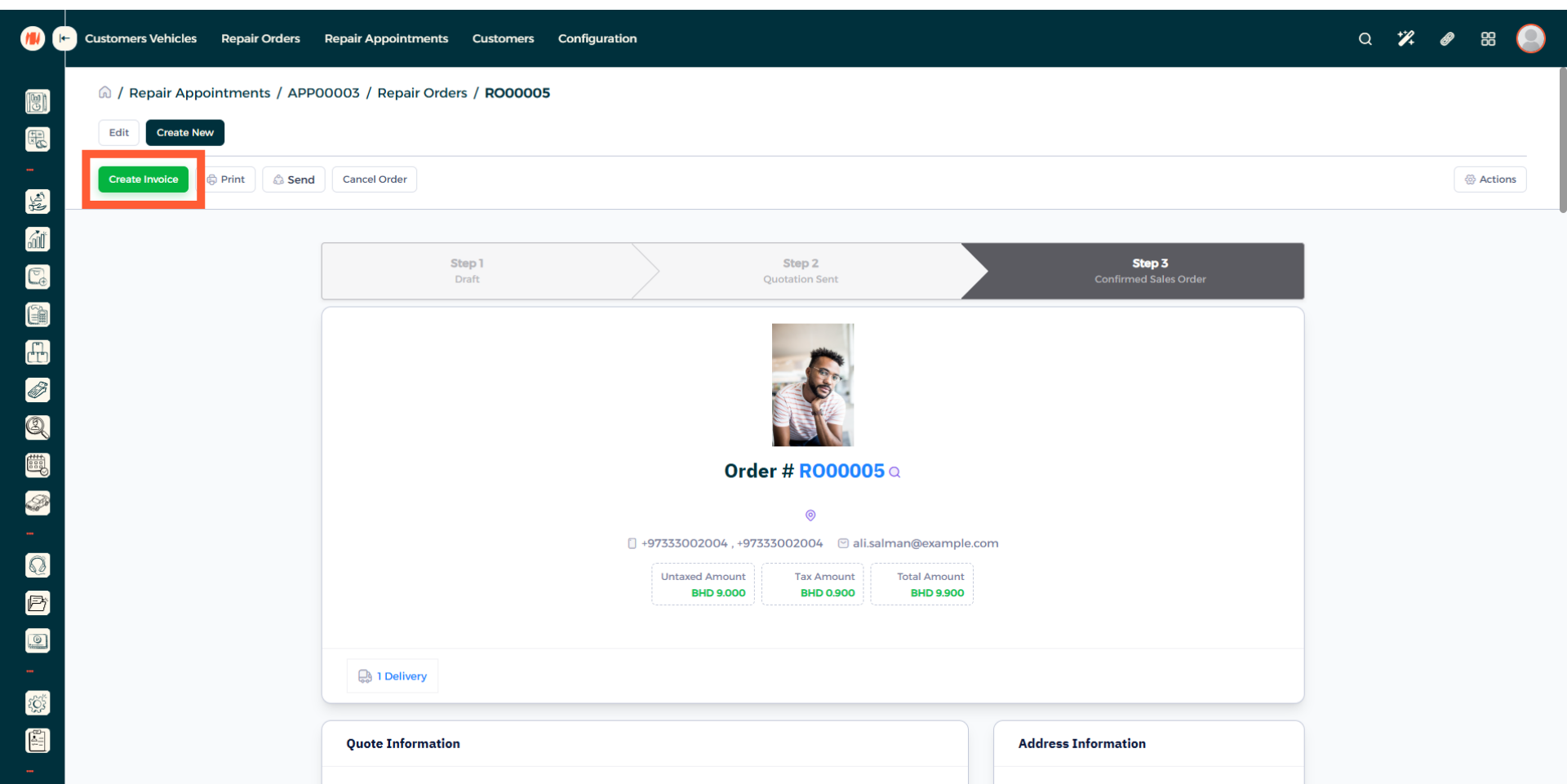
Step 19: Create Invoice
That's it, you have successfully seen what the steps are to create a repair appointment.
Notes & Tips
-
Verify the customer and vehicle information so invoices are accurate and messages go to the correct contact.
- Only confirm a repair appointment after you get confirmation from the customer to avoid scheduling conflicts, unnecessary parts orders, and time wastage.
- Always review your repair appointment to make sure you stay up to date and prevent missed updates, overlooked tasks, and delays in completing the job.
Frequently Asked Questions (FAQ)
Q: What is the difference between a repair order and a repair appointment?
A: A repair appointment is the booking for when the customer brings the vehicle. A repair order is the recorded detailed work done on the vehicle.
Q: Can I change the appointment date or time?
A: Yes, open the appointment, click on edit, then add the new date and time.
Q: What if the customer did not show up to the appointment?
A: You can go to the repair appointment and click on cancel order.